Keeping visuals inside the product.
An asset library connected to publishing, so teams no longer leave the app to find their visuals in Drive or Dropbox.
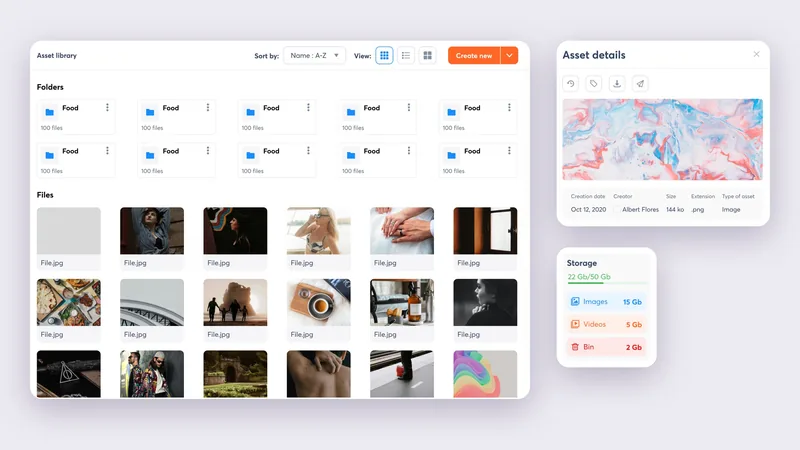
Visuals that lived elsewhere.
Agorapulse is used to schedule and publish on social media. But it had no library: teams left the app to find their visuals in Drive or Dropbox, then came back to upload them for every post.
I carried the project from exploration to delivery, as the only designer alongside a PM and a tech lead.
Connecting the library to the publishing queue.
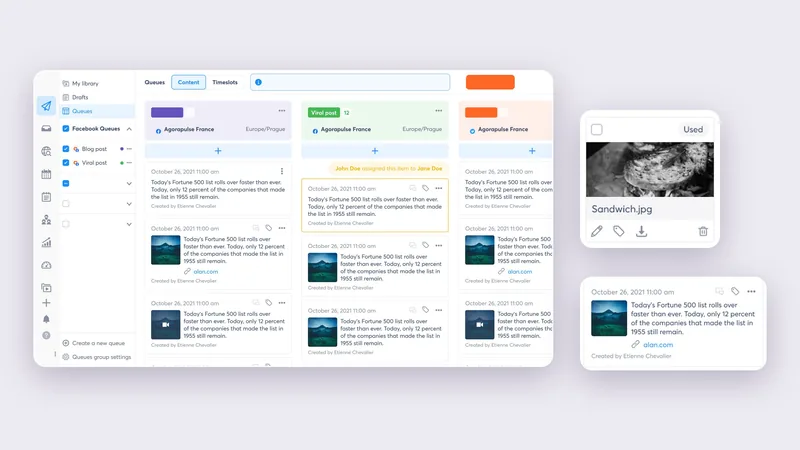
One more storage space would have changed nothing. So every file knows whether it has already been published: the Used / Unused filter avoids posting the same visual twice, and a file goes straight into the queue.
It was the natural next step after the Publishing module redesign.
Same data, three densities.
I explored the same file as a card, a table row and a thumbnail. The grid is for recognizing an image, the list for sorting by date, size or creator, the large thumbnails for picking a visual. One click switches between them.
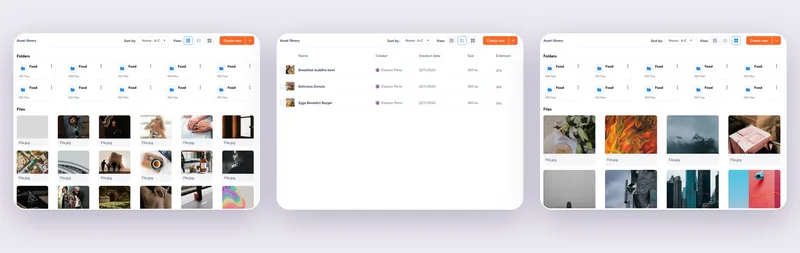
- GridRecognize an image.
- ListSort by date, size or creator.
- Large thumbnailsPick a visual.
How the screen evolved.
Four iterations in a year, from a simple grid to drafts stored in the library.

- V1Folders and a file grid.
- V2Search, All / Shared / Deleted tabs, upload tiles.
- V3Drafts join the library, as a table.
- V4 · shippedDrafts as cards, filtered by status.
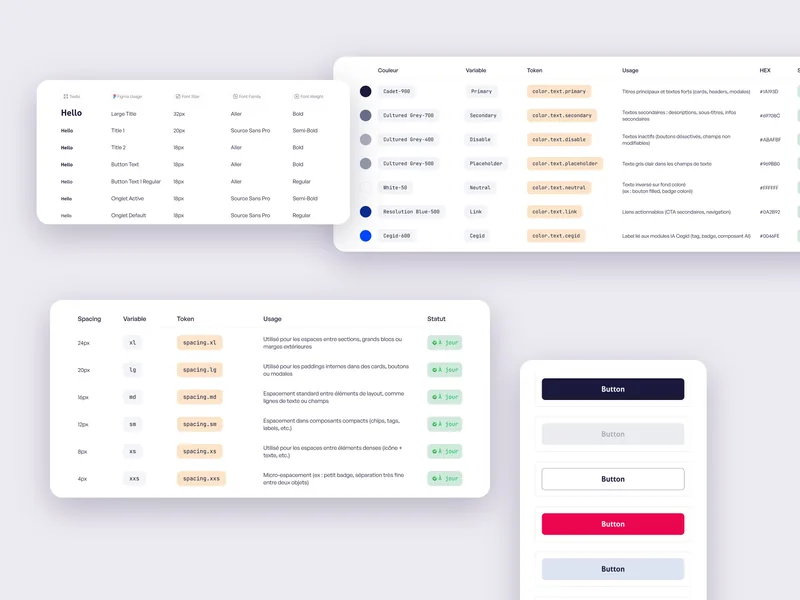 Next project · 02 / 03A mobile design system, from scratchRead the Cegid case study
30 minutes on your product and what’s holding it back.

Etienne Chevalier · 30 min